Match voice to the content job
Use the TikTok Voice Generator to filter by Storytelling, Documentary, Social, Conversational, or Characters. That gives a TikTok text to speech choice a practical editorial reason instead of relying on novelty.
Select a voice
Continue the creator workflow
More tools for a complete TikTok voiceover
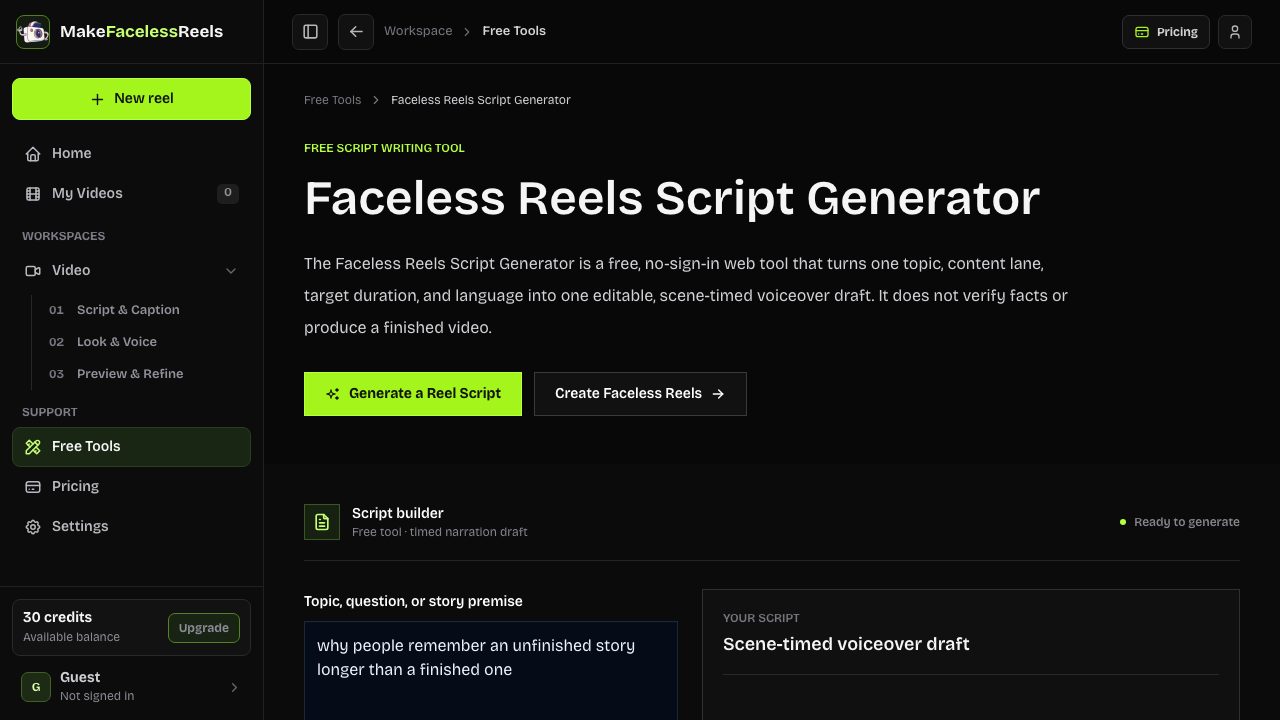
Faceless Reels Script Generator
Turn a topic into a timed script before recording narration.
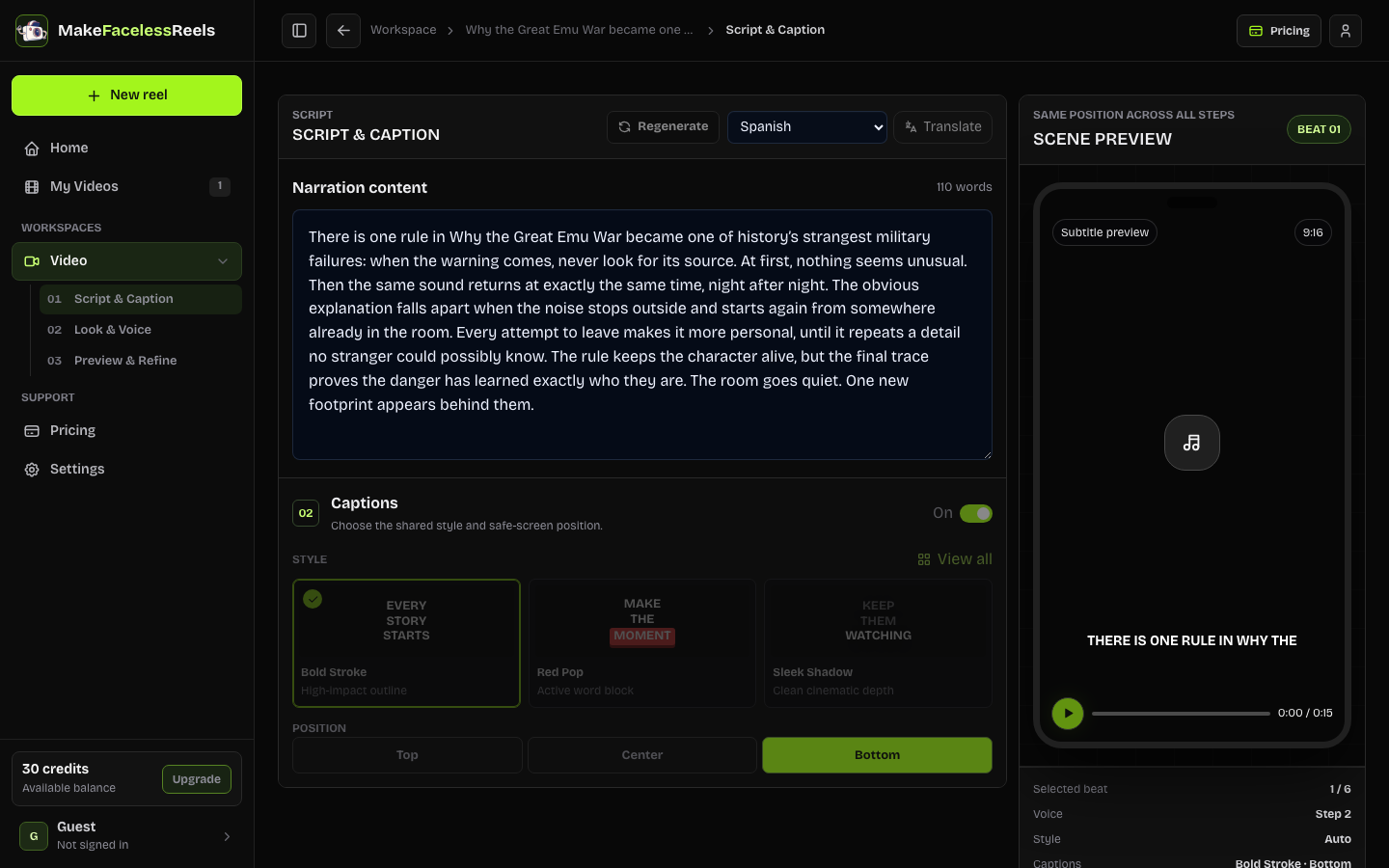
Reddit Story Video Generator
Shape supplied story text into hook, beats, and payoff.
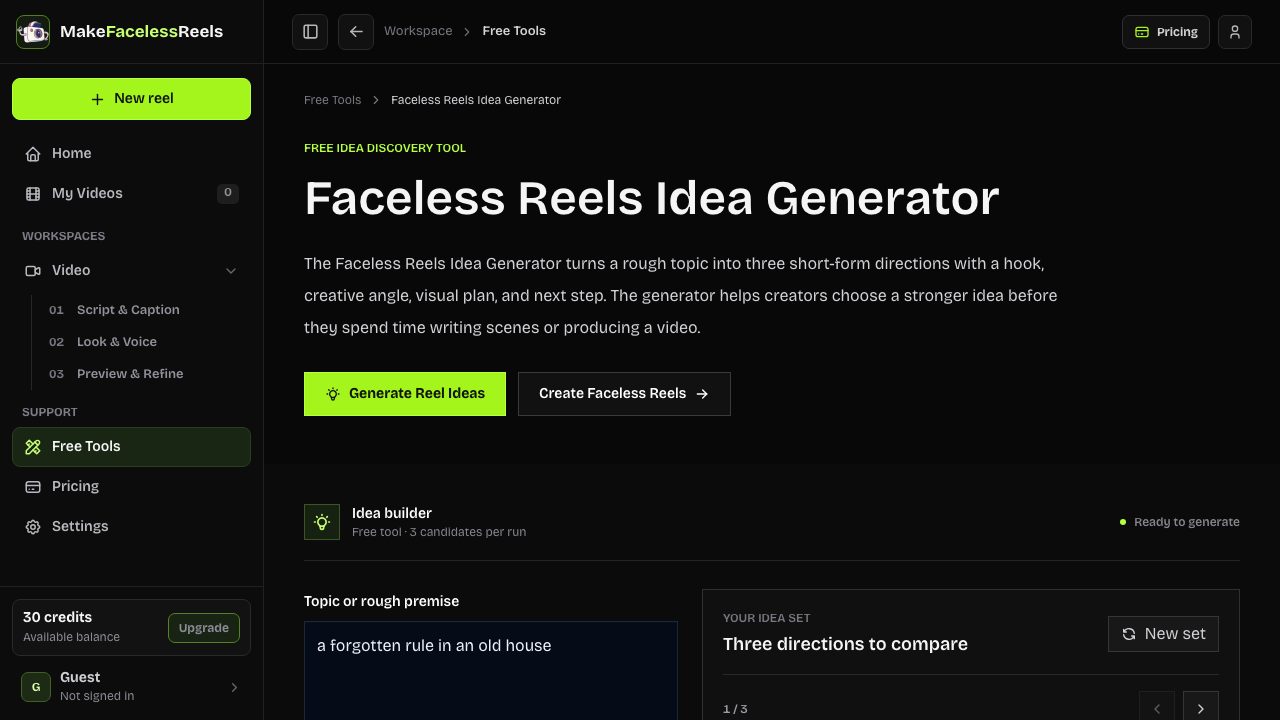
Faceless Reels Idea Generator
Find a focused angle before you write the voiceover.
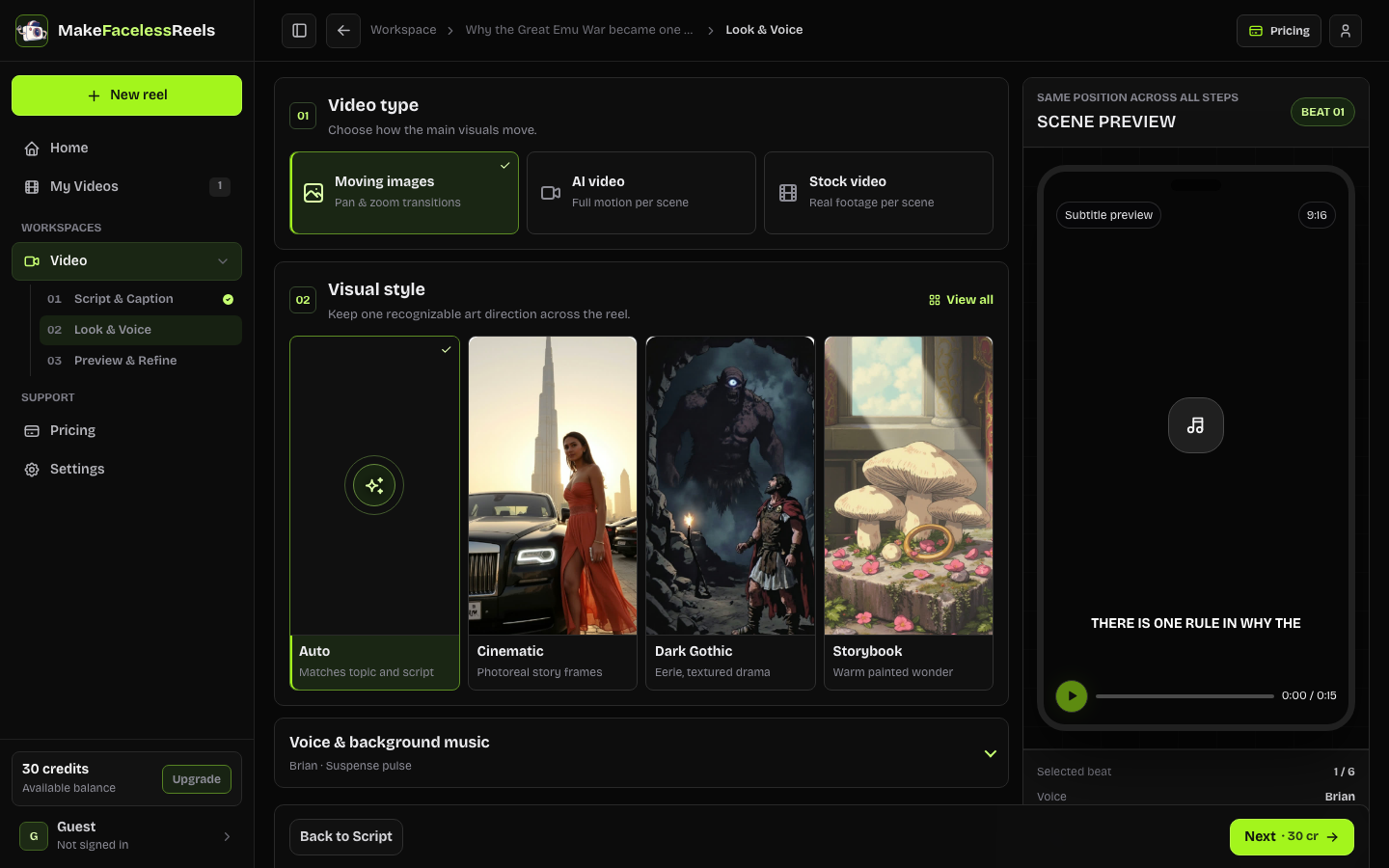
FacelessReels Workspace
Continue from narration to visuals, captions, and export.
TikTok text to speech
A TikTok voice generator turns a written hook or narration into spoken audio for a vertical video. Use this page to compare production voices, listen to fixed samples, and generate a short provider-backed preview.
It is a third-party TikTok AI voice generator, not TikTok's native text to speech editor. The 150-character preview keeps the first decision fast and is available without signing in. Longer narration belongs in the full FacelessReels production workflow and may use credits.
Real workflow proof
A fixed catalog sample shows the voice's baseline character. Your TikTok Voice Generator preview adds the sentence you actually plan to use, which exposes pronunciation, pauses, and emphasis before you spend time on visuals and captions.
The catalog currently supports 8 script languages and 5 voice use-case filters. Fixed samples are reference audio; the generated result uses the selected provider voice and your exact sentence.
Core capabilities
Use the TikTok Voice Generator to filter by Storytelling, Documentary, Social, Conversational, or Characters. That gives a TikTok text to speech choice a practical editorial reason instead of relying on novelty.
The TikTok Voice Generator creates up to 150 characters with the selected language and provider voice. Short tests reveal whether a hook sounds rushed, flat, or difficult to understand.
The catalog labels each voice as ElevenLabs or Cloudflare Aura. Compare tone and language coverage before a longer render. The reference prices below are catalog estimates, not a checkout quote.
After the short audition, move longer narration into the workspace where voice timing, captions, visual beats, and the 9:16 preview can be checked together.
How it works
Use one hook, sentence, or short paragraph up to 150 characters for a provider-backed preview.
Compare storytelling, documentary, social, conversational, and character voices that support your selected language.
Use the TikTok Voice Generator to play the fixed sample first, then synthesize your own short text to check pronunciation, energy, and pacing.
Use the FacelessReels workspace for longer narration, captions, visuals, timing, and final export review.
Decision support
| Need | Start here | Review before publishing |
|---|---|---|
| One hook or pronunciation check | TikTok Voice Generator preview | Clarity, pacing, names, numbers |
| A timed short-form narration | FacelessReels workspace | Voice timing, captions, scene changes |
| TikTok's built-in editor voice | TikTok native text to speech | Current in-app options and disclosure |
Provider cost reference
Catalog estimates checked September 1, 2026. Provider terms can change; verify the linked pricing page before production.
| Provider | Model | List estimate | Reference |
|---|---|---|---|
| ElevenLabs | eleven_multilingual_v2 | $300 / 1M charactersAbout $0.27 / min | Official pricing |
| Cloudflare Aura | @cf/deepgram/aura-1 | $15 / 1M charactersAbout $0.01 / min | Official pricing |
Use cases
Paste the hook and reveal from a short story, choose Storytelling, and listen for a pause before the payoff. This fits a TikTok Voice Generator story workflow.
Use Documentary or Conversational for a fact-led opener, then check that the voice leaves enough space for on-screen text and source context.
Try a Social voice for a concise benefit and CTA. Keep claims accurate, disclose meaningful AI use where required, and review music and footage rights.
Limits and quality control
Last reviewed September 1, 2026.
A realistic AI voice does not make copied footage original. Keep the script, visuals, audio, and disclosures aligned with the platform and with rights you can document.
FAQ
A TikTok voice generator turns written narration into spoken audio that can be aligned to a vertical video. This page lets you compare supported voices and generate a provider-backed preview. It is not an official TikTok tool and does not publish to TikTok for you.
Yes. You can use the short preview without signing in, and the free preview is limited to 150 characters. Longer narration and video rendering belong in the authenticated FacelessReels workspace and may use credits.
No. This page returns an in-browser audio preview rather than a public, unlimited MP3 download. For a full voiceover, continue into a project so the narration, captions, visuals, provider cost, and export are reviewed together.
No. TikTok native text to speech is an editing feature inside TikTok. This TikTok AI voice generator uses the voice providers configured by FacelessReels, and the output can be reviewed before you upload a finished video to TikTok.
Choose by the job of the video, not by a voice name alone. Storytelling voices suit a narrative arc, documentary voices leave room for facts, and social voices have more forward energy. Always audition the exact sentence you plan to publish.
Related next steps
When the TikTok Voice Generator sample sounds right, continue with the Faceless Reels Script Generator for timed narration, or open the FacelessReels workspace to align voice, captions, visuals, and export review.
Use the TikTok Voice Generator above for a short test, then keep the approved wording and voice together as you build the complete reel.
Generate a TikTok voice preview